AI Reply Generator for Text Messages (How They Work in 2026)
AI reply generators read your conversation and suggest what to say next. Here is how they work, what to look for, and when they actually help.
You're staring at a text. You've read it four times. You know you need to respond. But the cursor keeps blinking and nothing comes out.
This is where AI reply generators come in. They look at your conversation and suggest what to say next. Not one option. Multiple options. Different tones. Different approaches. You pick the one that sounds like you, edit it if you want, and hit send.
The technology has gotten surprisingly good in the last year. But there's a lot of confusion about what these tools actually do, when they help, and when they're just making things worse. Let's break it down.
What Is an AI Reply Generator?
An AI reply generator is a tool that reads your text conversation and suggests responses. The best ones work from screenshots. You take a screenshot of your conversation, upload it, and the AI analyzes everything: what they said, what you said, the tone, the context, the relationship dynamic.
Then it gives you options. Usually three. One might be casual and funny. Another might be warm and direct. A third might be more measured and professional. You're not locked into any of them. They're starting points.
The screenshot approach matters because it preserves context. You don't have to retype the conversation. You don't have to explain "she seemed annoyed" or "this is my boss." The AI reads the actual words on the screen and picks up on patterns you might miss when you're stressed.
This is different from autocomplete or predictive text. Those tools guess the next word. AI reply generators understand the whole conversation and suggest complete responses that fit the situation.
How Does an AI Reply Generator Actually Work?
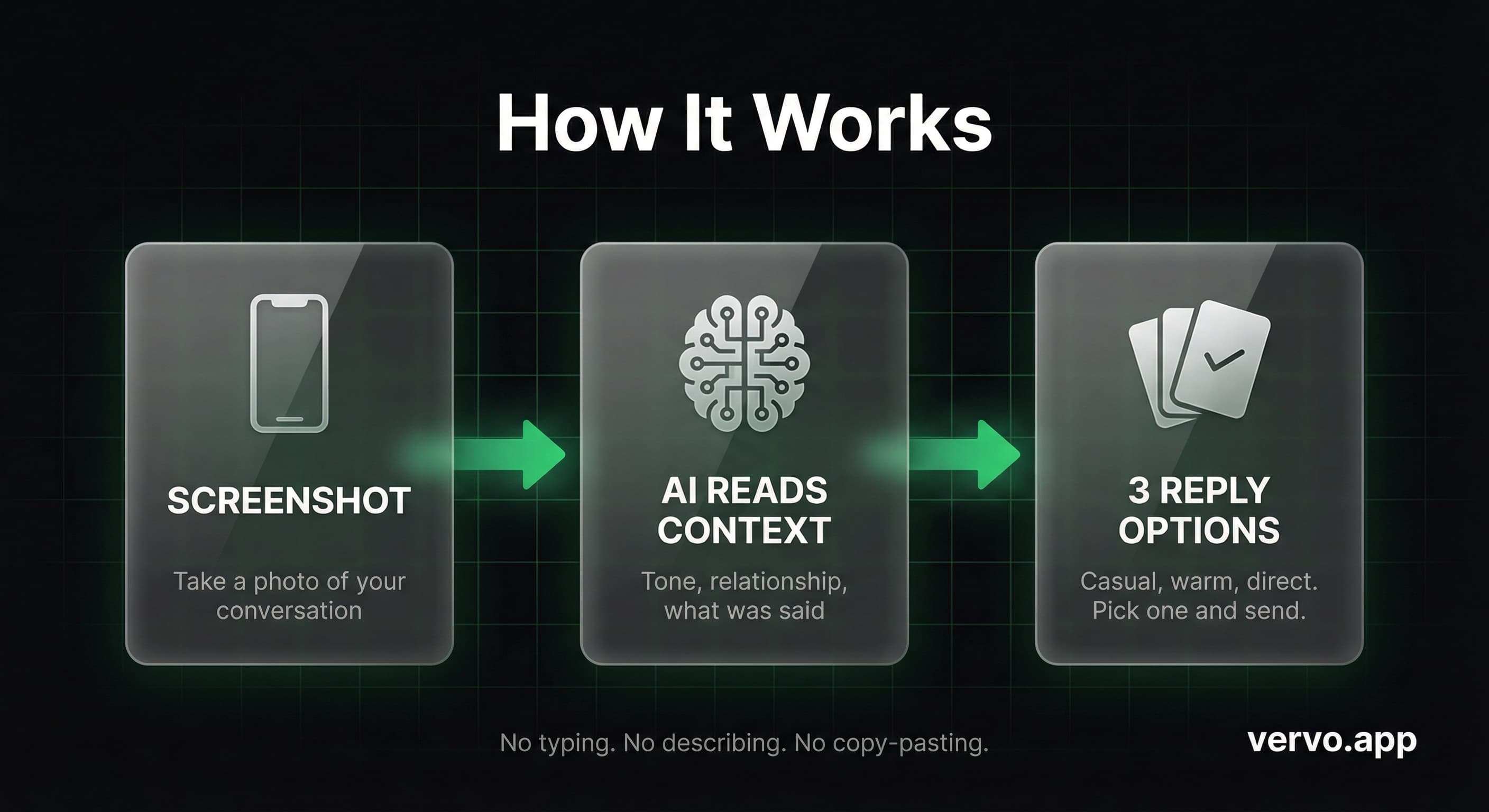
Under the hood, there are three steps.
First, optical character recognition (OCR) reads the screenshot. It identifies who sent each message, what order they came in, and the timestamps. Modern OCR is accurate enough to read iMessage, WhatsApp, Instagram DMs, or basically any messaging platform.
Second, the AI model analyzes the context. It looks at tone markers. Short responses might signal frustration. Questions might signal interest. Emojis might signal playfulness. The AI pieces together what kind of conversation this is and what kind of response would fit.
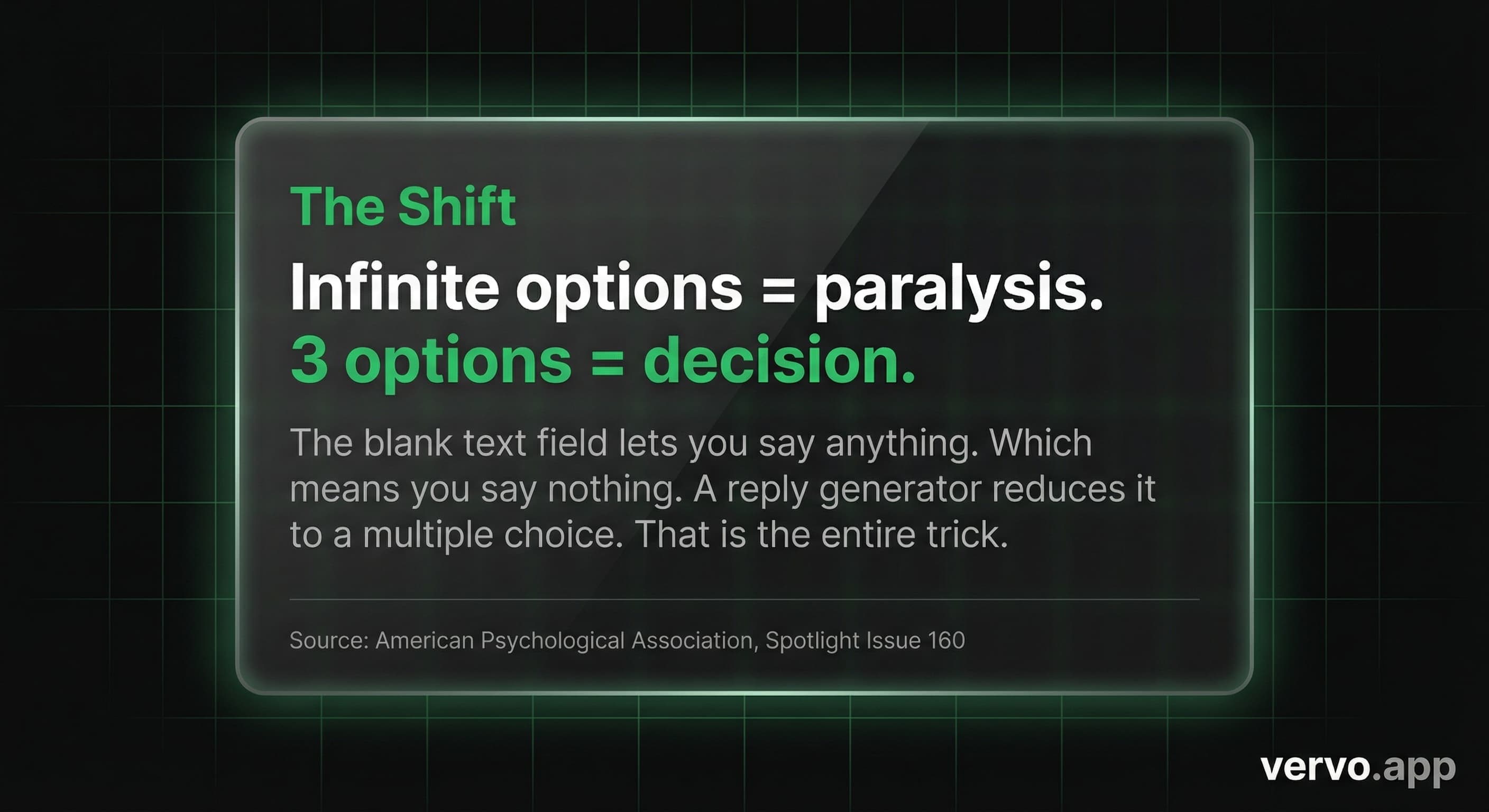
Third, it generates options in different tones. Most tools give you three choices because that's the sweet spot for decision-making. Research from Columbia Business School shows that too many options create paralysis. Three is enough to feel like you have real choices without overwhelming you.
The whole process takes about five seconds. You upload a screenshot, you get options, you pick one or close the app and write your own thing. Either way, you're unstuck.
When Would You Actually Use One?
Let's be specific about when these tools help.
Bad news you didn't expect:
Your stomach drops. You don't know what's coming, but you know it's not "I was thinking we should go on a trip together." An AI reply generator can show you three ways to respond that don't sound panicked:
Three options. None of them spiral. Pick the one that fits.
Professional high-stakes:
Your boss texts you at 10pm about something that went wrong. You need to respond, but you also need to not make it worse. An AI texting assistant can help you hit the right tone: accountable without being defensive, calm without being dismissive.
Dating app paralysis:
You matched with someone you actually like. They sent a message that's clever enough that you feel pressure to match it. You've been staring at the conversation for 20 minutes. This is a classic overthinking texts situation. The AI doesn't know the perfect response, but it can break the paralysis by showing you that multiple decent responses exist. Sometimes that's all you need.
Confrontation you're dreading:
A friend owes you money and keeps dodging. A family member said something hurtful. Someone's been texting every day and you need to set a boundary. These conversations are hard because the emotional stakes are high and the words feel irreversible. Seeing options laid out can help you find language that's honest without being cruel.
The pattern is the same every time. You're stuck because the stakes feel high, the cursor is blinking, and nothing sounds right. The AI gives you starting points. You decide what to send.
What Should You Look For in an AI Texting Tool?
Not all AI reply generators work the same way. Here's what matters.
Screenshot-based input. This is the biggest differentiator. Tools that make you retype the conversation or describe the situation are adding friction at the exact moment you're already stressed. The best tools let you screenshot and upload. No typing. No explaining. The AI reads what's on the screen.
Multiple tones. You want options that actually feel different from each other. If all three suggestions sound the same, the tool isn't helping you choose. Look for clear tone labels: casual, warm, direct. Something that lets you see your actual choices.
Explanation of why each option works. The best tools don't just give you text to copy. They explain the reasoning. "This one opens with validation before asking a question." "This one keeps it short to match their energy." That context helps you pick better, and it helps you learn the patterns for next time.
Privacy that actually means something. Your conversations contain sensitive information. Relationship problems. Work conflicts. Health issues. Money stuff. You need to know where that data goes.
The red flags: keyboard apps that read everything you type. Tools that require access to your messages. Anything that stores your conversations permanently "to improve the service."
The green flags: screenshot-based tools that process on-device or delete after processing. Clear privacy policies that say exactly what happens to your data. No always-on keyboard access.
A screenshot to reply app that works from images is inherently more private than a keyboard replacement that sees every text you write across every app.
Can AI Really Understand the Nuance of a Conversation?
Honest answer: partially.
AI reads words. It doesn't hear tone of voice. It doesn't know that your sister always sends short texts when she's upset, or that your coworker uses "per my last email" as a weapon. It doesn't have the context that you have from knowing this person for years.
What it does well: identifying patterns in language, suggesting responses that fit common social situations, giving you options when you're stuck.
What it doesn't do: replace your judgment. The AI suggests. You decide. If a suggestion sounds wrong for the relationship, you don't use it. If it sounds right but needs tweaking, you edit it. The tool is a starting point, not a final answer.
Research from Harvard Business Review on AI-assisted communication found that professionals using AI suggestions as drafts (not finished products) reported faster response times and lower anxiety without sacrificing quality. The key was treating AI as a collaborator, not an author.
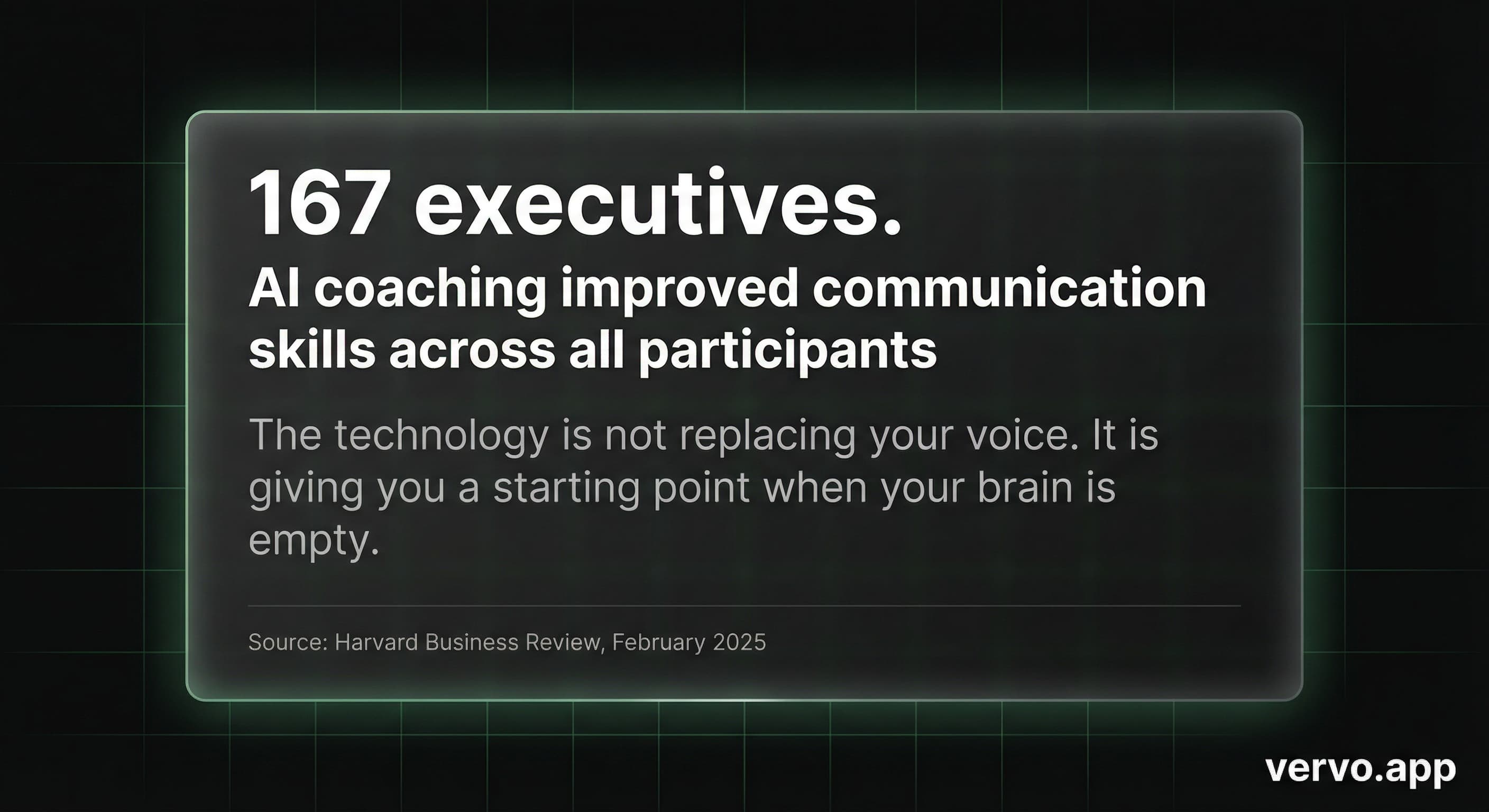
This matches what works in practice. You're not outsourcing your relationships to a machine. You're using a tool to break through the paralysis of what to text back when nothing sounds right.
Does Using AI to Text Make You Fake?
This question comes up a lot. And it's worth taking seriously.
Nobody calls you fake for using spell check. Nobody calls you fake for reading a template before writing a cover letter. Nobody calls you fake for googling "how to apologize" before a hard conversation.
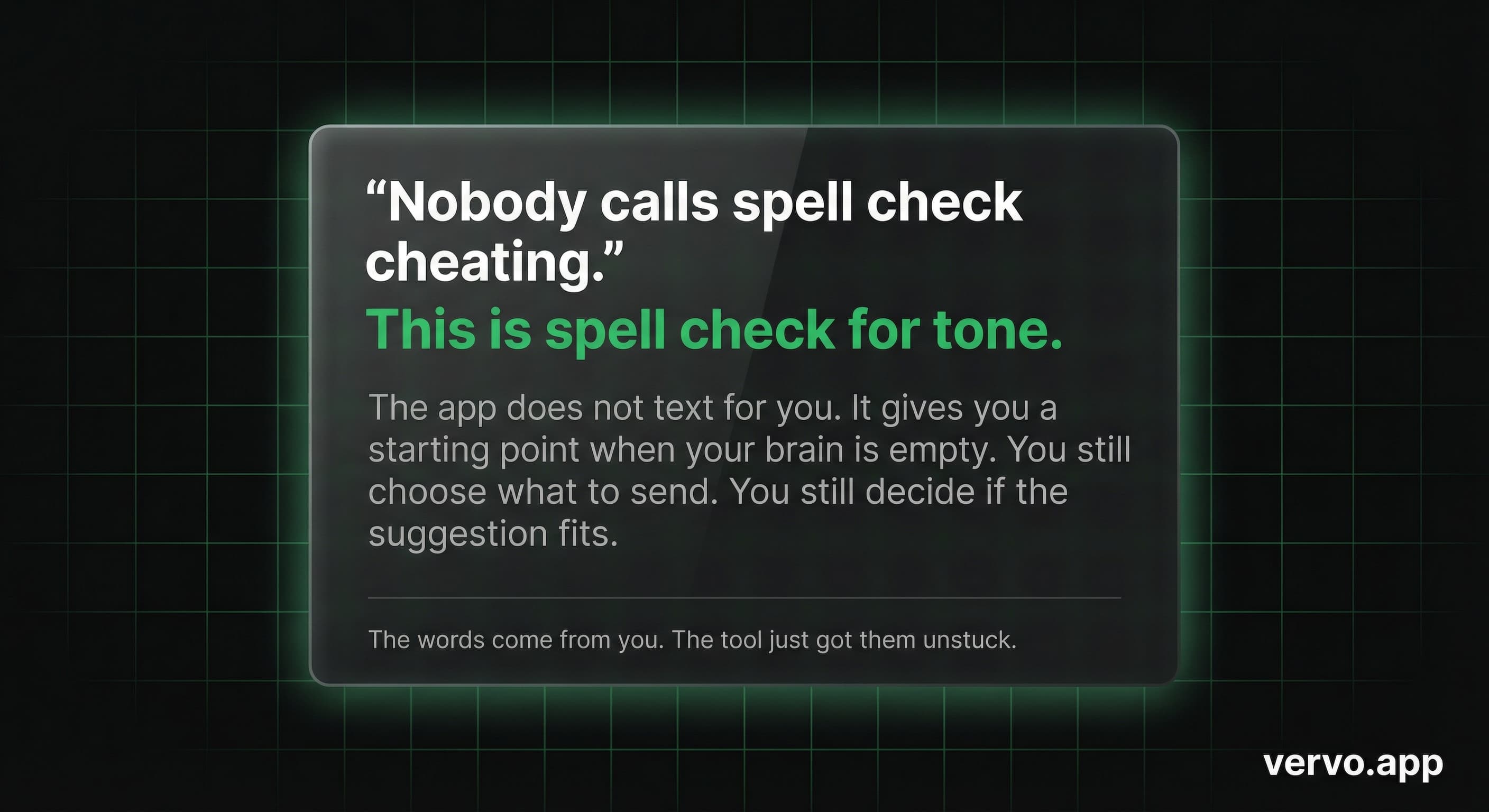
An AI reply generator is the same category. It's a tool for communication, not a replacement for your personality. The words that leave your phone still go through your judgment. You still choose what to send. You still decide if the suggestion fits who you are and what you want to say.
The anxiety around "authenticity" usually comes from a deeper fear: that you don't know what to text when you don't know what to say. But not knowing what to say doesn't mean you're fake. It means you're human. Texting is hard. The stakes feel high. The permanence of written words makes every choice feel heavier than it would in a phone call.
AI doesn't make you less authentic. It helps you find words when your brain freezes. What you do with those words is still entirely you.
A 2025 study from Montclair State University found that Gen Z experiences significantly higher communication anxiety than previous generations, particularly in text-based interactions. The pressure to craft the perfect message is real. Tools that reduce that pressure aren't cheating. They're addressing a genuine need.
What's the Catch?
There are real limitations.
AI can suggest responses, but it can't tell you if you should respond at all. Sometimes the right move is to wait. Sometimes the right move is to call instead of text. Sometimes the right move is to not engage. The tool shows you how to reply, not whether to reply.
AI doesn't know your history with this person. It reads the screenshot, not the last five years of your relationship. Context you have in your head doesn't transfer. This means you need to stay in the loop. Don't send something that technically sounds good but misses something important only you would know.
AI can reinforce your existing patterns. If you always over-explain, the AI might help you over-explain more efficiently. If you tend to be too direct, it might give you direct options that still land harshly. Use the tools to expand your range, not to entrench your habits.
Is This Worth Trying?
If you spend real time staring at text conversations, rewriting messages, deleting and starting over, or avoiding replies because you don't know what to say, then yes. An AI reply generator addresses exactly that problem.
The technology has reached a point where the suggestions are actually useful, not just party tricks. Screenshot in, options out, decision made. Five seconds instead of twenty minutes.
Vervo works exactly this way. Screenshot your conversation, get three tones, see why each one works. No keyboard access, no message reading, no data stored after processing. It's built for the exact moment when you're stuck and the cursor won't stop blinking.
Try it free. See if it helps. The worst case is you still write your own text. The best case is you finally send the one you've been drafting in your head for an hour.
Sources
- American Psychological Association, "Choose Quickly or Naught: Paralyzed by a Plethora of Options," APA Spotlight Issue 160
- Harvard Business Review, "Research: How AI Helped Executives Improve Communication," February 2025
- Montclair State University, "Why Gen Z is More Anxious than Ever," Dr. Yi Luo et al., 2025
- Pew Research Center, "Teens, Social Media and Technology 2024," December 2024