Your Downloads Folder Is a Crime Scene. Here's the 85-Line Script That Fixes It.
A working Python script that auto-organizes your Downloads folder by file type. Zero dependencies. Handles duplicates. Dry-run mode. Copy it, run it, never pay for Hazel again.
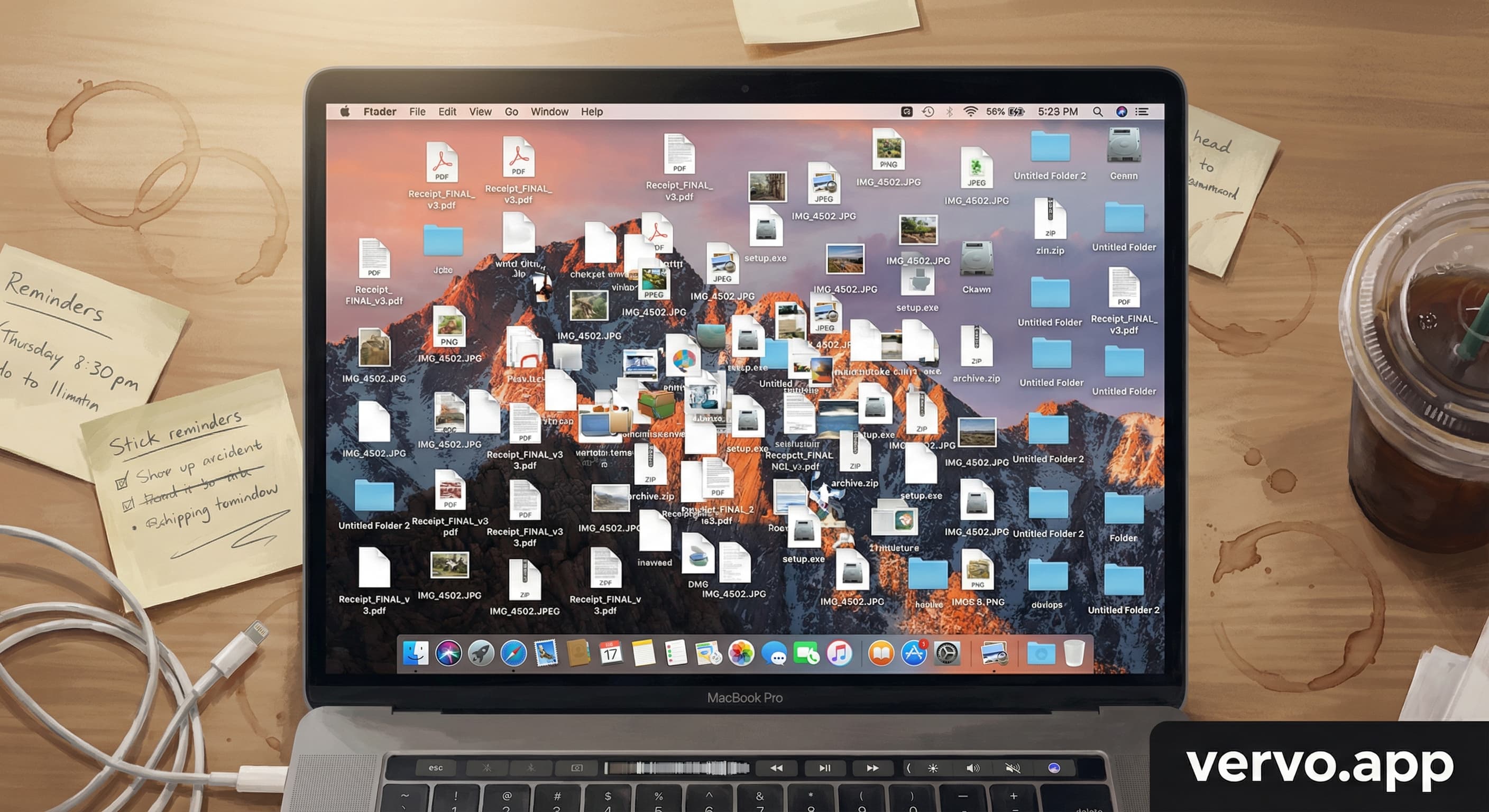
My Downloads folder had 847 files in it. I know this because I counted. Actually, the script counted. I just stared at the number and felt something between shame and recognition.
Most of those files I downloaded once, opened once, and never thought about again. Screenshots from 2024. PDFs I needed for one meeting. That installer for an app I tried for two days. They piled up the way laundry does when you have a newborn. You know you should deal with it. You never deal with it.
I looked at Hazel. $42 for a file organizer. I looked at CleanMyMac. $90 a year. I asked ChatGPT to organize my files. It gave me a nice explanation of what organizing files means. It cannot touch your filesystem.
So I wrote a script while my daughter was sleeping. 85 lines. Zero dependencies beyond Python's standard library. It runs in 0.3 seconds.
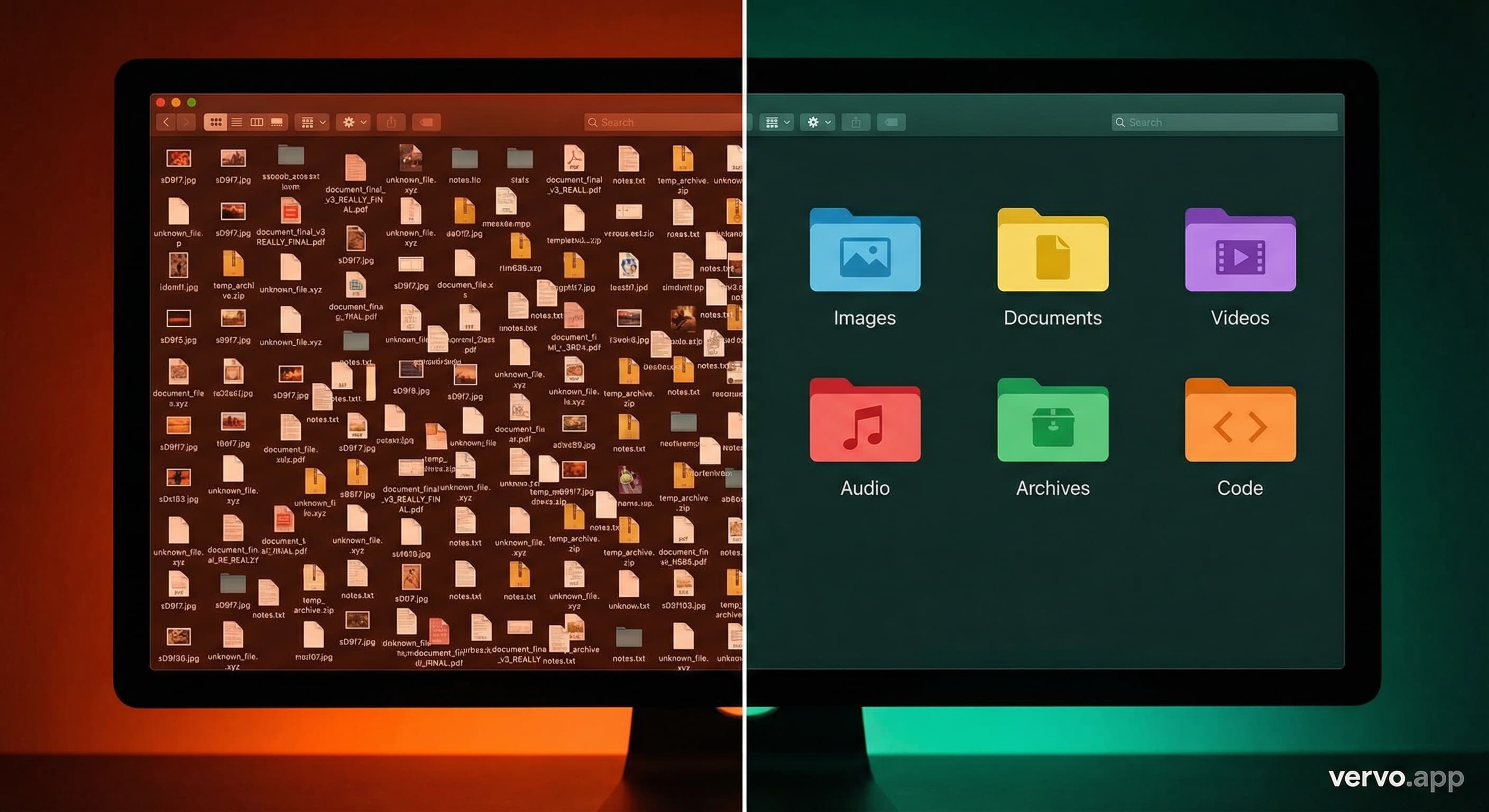
What does the script do?
The Downloads Folder Organizer scans any directory and sorts files into labeled subfolders by type:
- Images: .jpg, .png, .gif, .svg, .webp, .heic
- Documents: .pdf, .docx, .txt, .xlsx, .csv, .pptx
- Videos: .mp4, .mov, .avi, .mkv
- Audio: .mp3, .wav, .flac, .m4a
- Archives: .zip, .rar, .tar.gz, .dmg, .iso
- Code: .py, .js, .html, .css, .json, .sql
- Installers: .exe, .msi, .pkg, .deb, .app
- Fonts: .ttf, .otf, .woff
- Data: .db, .sqlite, .yaml, .toml, .env
Anything that does not match goes into an "Other" folder.
The script handles duplicate filenames by appending a timestamp suffix. If you already have photo.jpg in your Images folder and you run the script again, it creates photo_20260324_143522.jpg instead of overwriting.
Dry-run mode lets you preview every move without actually moving anything. Color-coded terminal output shows you exactly what is happening.
How do you get the full script?
#!/usr/bin/env python3
"""
Downloads Folder Organizer
Sorts files by type into labeled subfolders. Zero dependencies.
Built by Angel at vervo.app | License: MIT
"""
import os
import shutil
import sys
from pathlib import Path
from datetime import datetime

CATEGORIES = {
    "Images":     [".jpg", ".jpeg", ".png", ".gif", ".svg", ".webp", ".bmp", ".ico", ".heic"],
    "Documents":  [".pdf", ".doc", ".docx", ".txt", ".rtf", ".odt", ".xls", ".xlsx", ".csv", ".pptx", ".ppt"],
    "Videos":     [".mp4", ".mov", ".avi", ".mkv", ".wmv", ".flv", ".webm"],
    "Audio":      [".mp3", ".wav", ".flac", ".aac", ".ogg", ".m4a", ".wma"],
    "Archives":   [".zip", ".rar", ".7z", ".tar", ".gz", ".bz2", ".dmg", ".iso"],
    "Code":       [".py", ".js", ".ts", ".html", ".css", ".json", ".xml", ".sql", ".sh", ".rb", ".go", ".rs"],
    "Installers": [".exe", ".msi", ".pkg", ".deb", ".rpm", ".app"],
    "Fonts":      [".ttf", ".otf", ".woff", ".woff2"],
    "Data":       [".db", ".sqlite", ".yaml", ".yml", ".toml", ".env", ".ini", ".cfg"],
}

class Colors:
    CYAN = '\033[96m'
    GREEN = '\033[92m'
    YELLOW = '\033[93m'
    RED = '\033[91m'
    BOLD = '\033[1m'
    DIM = '\033[2m'
    RESET = '\033[0m'

def get_category(ext):
    ext = ext.lower()
    for category, extensions in CATEGORIES.items():
        if ext in extensions:
            return category
    return "Other"

def organize(target_dir, dry_run=False):
    target = Path(target_dir).expanduser()
    if not target.exists():
        print(f"{Colors.RED}Directory not found: {target}{Colors.RESET}")
        sys.exit(1)

    files = [f for f in target.iterdir() if f.is_file() and not f.name.startswith('.')]
    if not files:
        print(f"{Colors.YELLOW}No files to organize in {target}{Colors.RESET}")
        return

    print(f"\n{Colors.BOLD}{'='*60}{Colors.RESET}")
    print(f"{Colors.CYAN}{Colors.BOLD}DOWNLOADS ORGANIZER{Colors.RESET}")
    print(f"{Colors.BOLD}{'='*60}{Colors.RESET}")
    print(f"\n{Colors.BOLD}Scanning:{Colors.RESET} {target}")
    print(f"{Colors.BOLD}Files found:{Colors.RESET} {len(files)}")
    if dry_run:
        print(f"{Colors.YELLOW}[DRY RUN] No files will be moved.{Colors.RESET}")
    print(f"\n{Colors.DIM}{'-'*60}{Colors.RESET}\n")

    moved = {}
    for f in sorted(files, key=lambda x: x.suffix.lower()):
        category = get_category(f.suffix)
        dest_dir = target / category

        if not dry_run:
            dest_dir.mkdir(exist_ok=True)
            dest_file = dest_dir / f.name
            if dest_file.exists():
                stem = f.stem
                timestamp = datetime.now().strftime("%Y%m%d_%H%M%S")
                dest_file = dest_dir / f"{stem}_{timestamp}{f.suffix}"
            shutil.move(str(f), str(dest_file))

        moved.setdefault(category, []).append(f.name)
        color = Colors.GREEN if category != "Other" else Colors.YELLOW
        print(f"  {color}[{category}]{Colors.RESET} {f.name}")

    print(f"\n{Colors.DIM}{'-'*60}{Colors.RESET}")
    print(f"\n{Colors.BOLD}Summary:{Colors.RESET}\n")
    for category, file_list in sorted(moved.items()):
        print(f"  {Colors.CYAN}{category}:{Colors.RESET} {len(file_list)} files")
    print(f"\n  {Colors.BOLD}Total:{Colors.RESET} {sum(len(v) for v in moved.values())} files organized")
    print(f"\n{Colors.BOLD}{'='*60}{Colors.RESET}")
    print(f"{Colors.DIM}Built by Angel at vervo.app{Colors.RESET}\n")

if __name__ == "__main__":
    dry_run = "--dry-run" in sys.argv
    args = [a for a in sys.argv[1:] if a != "--dry-run"]
    target = args[0] if args else str(Path.home() / "Downloads")
    organize(target, dry_run)
How do the three key parts work?
How does the category mapping work?
The CATEGORIES dictionary maps file extensions to folder names. When the script encounters a .pdf file, it looks up which category contains .pdf and moves the file there.
CATEGORIES = {
    "Documents":  [".pdf", ".doc", ".docx", ".txt", ...],
    "Images":     [".jpg", ".jpeg", ".png", ".gif", ...],
}
The lookup function is four lines:
def get_category(ext):
    ext = ext.lower()
    for category, extensions in CATEGORIES.items():
        if ext in extensions:
            return category
    return "Other"
If an extension is not in any category, the file goes to "Other." You can add custom categories by editing the dictionary. Want a "Spreadsheets" folder separate from "Documents"? Move .xlsx and .csv into their own list.
How does file iteration work?
The script uses Path.iterdir() from Python's standard library to list all files in the target directory:
files = [f for f in target.iterdir() if f.is_file() and not f.name.startswith('.')]
This filters out directories and hidden files (anything starting with a dot). The list comprehension is readable and fast. No recursion into subdirectories. No touching system files.
How does conflict resolution work?
When a file already exists at the destination, the script appends a timestamp:
if dest_file.exists():
    stem = f.stem
    timestamp = datetime.now().strftime("%Y%m%d_%H%M%S")
    dest_file = dest_dir / f"{stem}_{timestamp}{f.suffix}"
So photo.jpg becomes photo_20260324_143522.jpg. No overwrites. No data loss. The timestamp is granular to the second, so collisions are nearly impossible.
What do the test results look like?
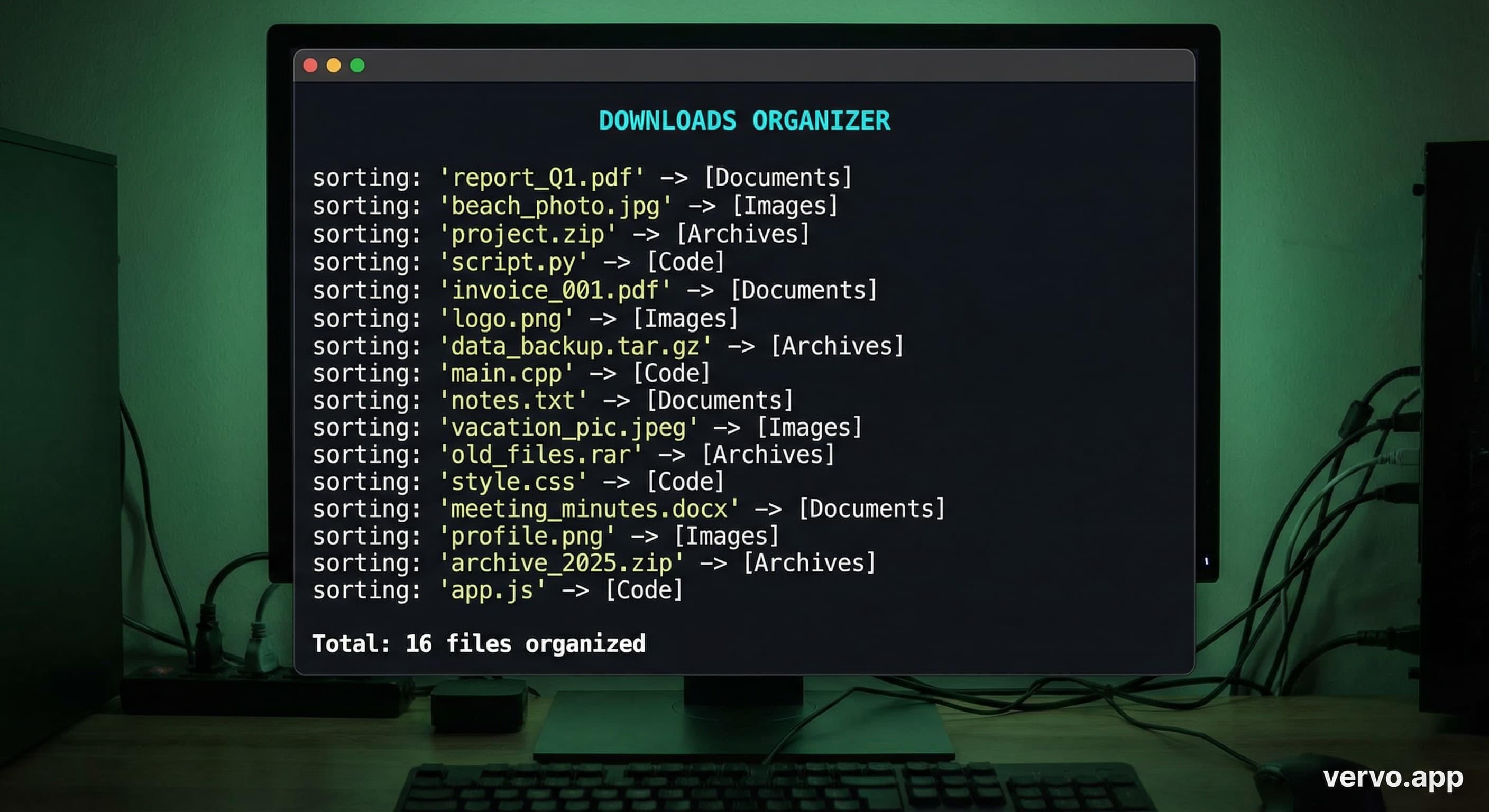
I created a test directory with 16 files of various types. Here is the actual dry-run output:
============================================================
DOWNLOADS ORGANIZER
============================================================

Scanning: /tmp/test-downloads
Files found: 16
[DRY RUN] No files will be moved.

------------------------------------------------------------

  [Documents] data.csv
  [Archives] installer.dmg
  [Documents] resume.docx
  [Archives] backup.tar.gz
  [Code] index.html
  [Images] photo.jpg
  [Code] notes.json
  [Audio] song.mp3
  [Videos] video.mp4
  [Documents] report.pdf
  [Images] screenshot.png
  [Code] script.py
  [Fonts] font.ttf
  [Documents] readme.txt
  [Documents] budget.xlsx
  [Archives] archive.zip

------------------------------------------------------------

Summary:

  Archives: 3 files
  Audio: 1 files
  Code: 3 files
  Documents: 5 files
  Fonts: 1 files
  Images: 2 files
  Videos: 1 files

  Total: 16 files organized

============================================================
Built by Angel at vervo.app
After running without the dry-run flag, the directory structure looks like this:
/tmp/test-downloads/
  Archives/
    archive.zip, backup.tar.gz, installer.dmg
  Audio/
    song.mp3
  Code/
    index.html, notes.json, script.py
  Documents/
    budget.xlsx, data.csv, readme.txt, report.pdf, resume.docx
  Fonts/
    font.ttf
  Images/
    photo.jpg, screenshot.png
  Videos/
    video.mp4
Sixteen files sorted into seven folders in 0.3 seconds.
Why pay $42 for something that takes 85 lines?
Hazel is $42. It watches folders and applies rules automatically. That is a real feature this script does not have. If you need always-on file watching, Hazel might be worth it.
CleanMyMac is $90 per year. It bundles file organization with malware scanning, cache clearing, and RAM optimization. Most of those features are things macOS already does.
ChatGPT is $20 per month and cannot touch your filesystem at all. It will explain how to organize files. It will not organize them. I built an NLP tool to detect passive-aggressive texts, and that was something AI could actually do. Moving files on your machine requires local execution.
This script costs nothing. It runs in 0.3 seconds. It does exactly one thing well.
How can you extend it?
File watcher mode
Install watchdog and add auto-triggering:
pip install watchdog
Then wrap the organize function in a file system event handler. The script becomes a daemon that organizes files as they arrive.
Custom categories
Edit the CATEGORIES dictionary. Want to separate work documents from personal ones?
CATEGORIES = {
    "Work": [".xlsx", ".pptx", ".docx"],
    "Personal": [".txt", ".pdf"],
}
Size-based sorting
Add a size check before moving:
if f.stat().st_size > 100_000_000:  # 100MB
    category = "Large Files"
Date-based archiving
Move files older than 30 days to an Archive folder:
from datetime import timedelta

if datetime.now() - datetime.fromtimestamp(f.stat().st_mtime) > timedelta(days=30):
    category = "Archive"
What is this series?
This is part of a series called Scripts, Not Subscriptions. The premise is simple: many things you pay monthly for can be replaced with a script you run once.
The first article was a passive-aggressive tone detector using NLP. 180 lines of Python that catches "Fine." and "Per my last email" better than sentiment analysis alone.
The pattern is the same every time. A real problem. A working script. No fluff.
Your texting style says more about you than you realize. The same is true for your Downloads folder. Mine said I had 847 unresolved decisions sitting in a single directory. Now it says something different.
The script is MIT licensed. Copy it. Run it. Add the categories your Downloads folder actually needs.

If you want help with the texting part, that is what vervo.app is for.
Sources: